
Turn Your iPhone Photos Into a Travel Map
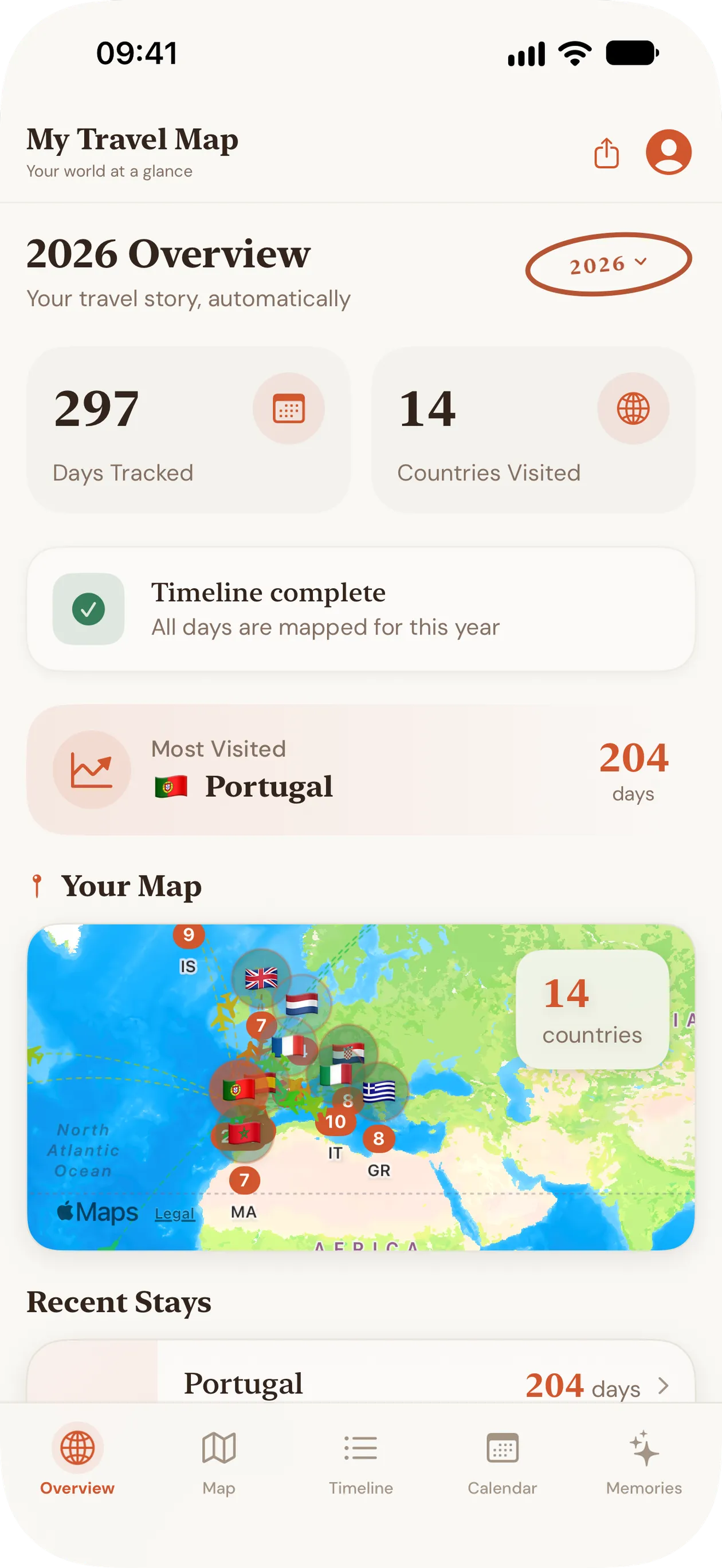
Your photo library is already a record of where you've been. My Travel Map reads the date and location saved in each photo and lays your trips out as a map, a timeline, a calendar and a gallery of memories, all on your iPhone or iPad.

Free first scan · No account required · Private by design
What your photos already know
When Location Services is on for the Camera, every photo stores the date, time and GPS position where it was taken. That's enough to rebuild years of travel without a diary or a check-in app.
From photo library to travel map in three steps
- 1Allow Photos access. Full or limited access both work; the app reads only each photo's date and location.
- 2Scan once. Your library is sorted into days and countries on the device. The first scan is free.
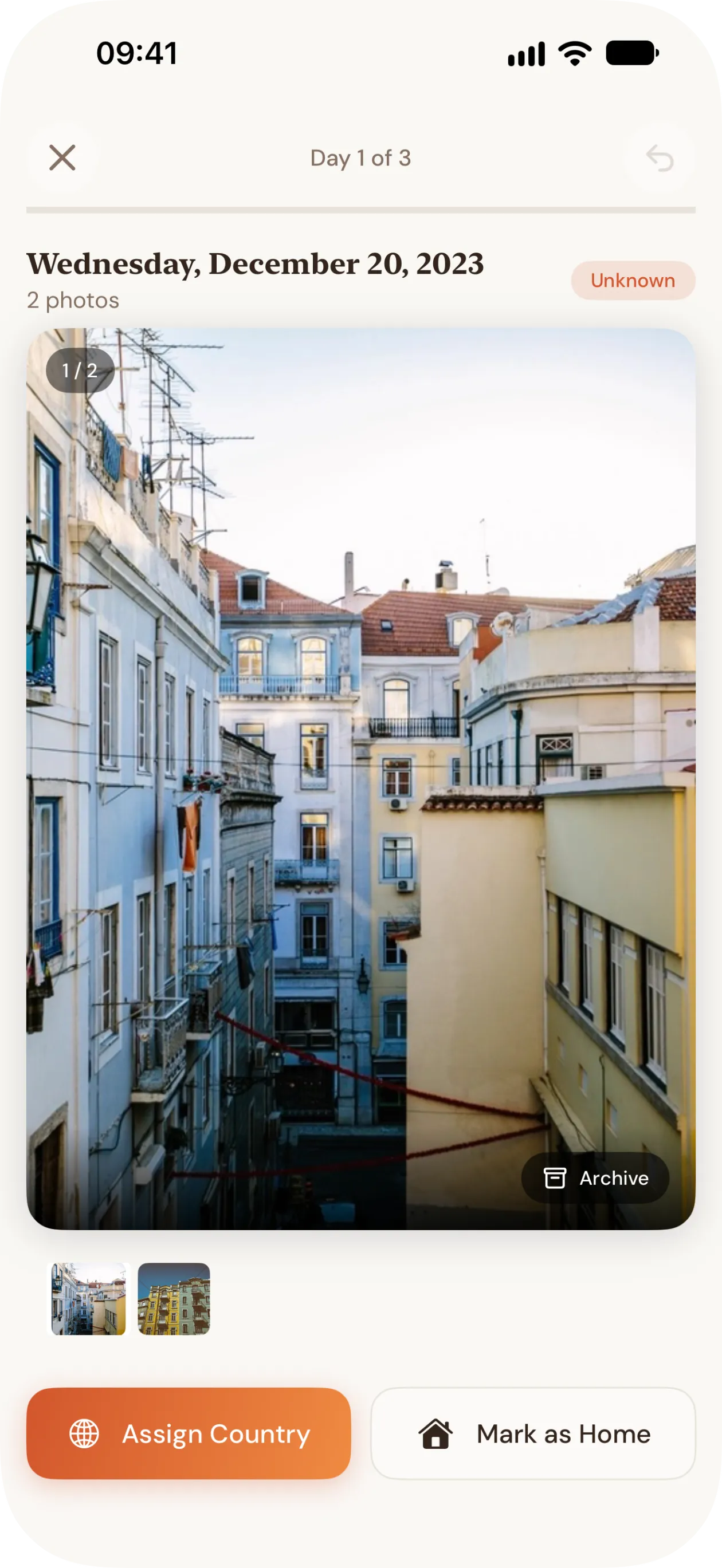
- 3Explore and tidy up: browse the map, timeline, calendar and memories, and set the country for days the photos couldn't place.
Four ways to see your trips
- Map: every country you've visited, with a day count on each pin.
- Timeline: each stay with its dates and length, grouped by year.
- Calendar: the country you were in, day by day.
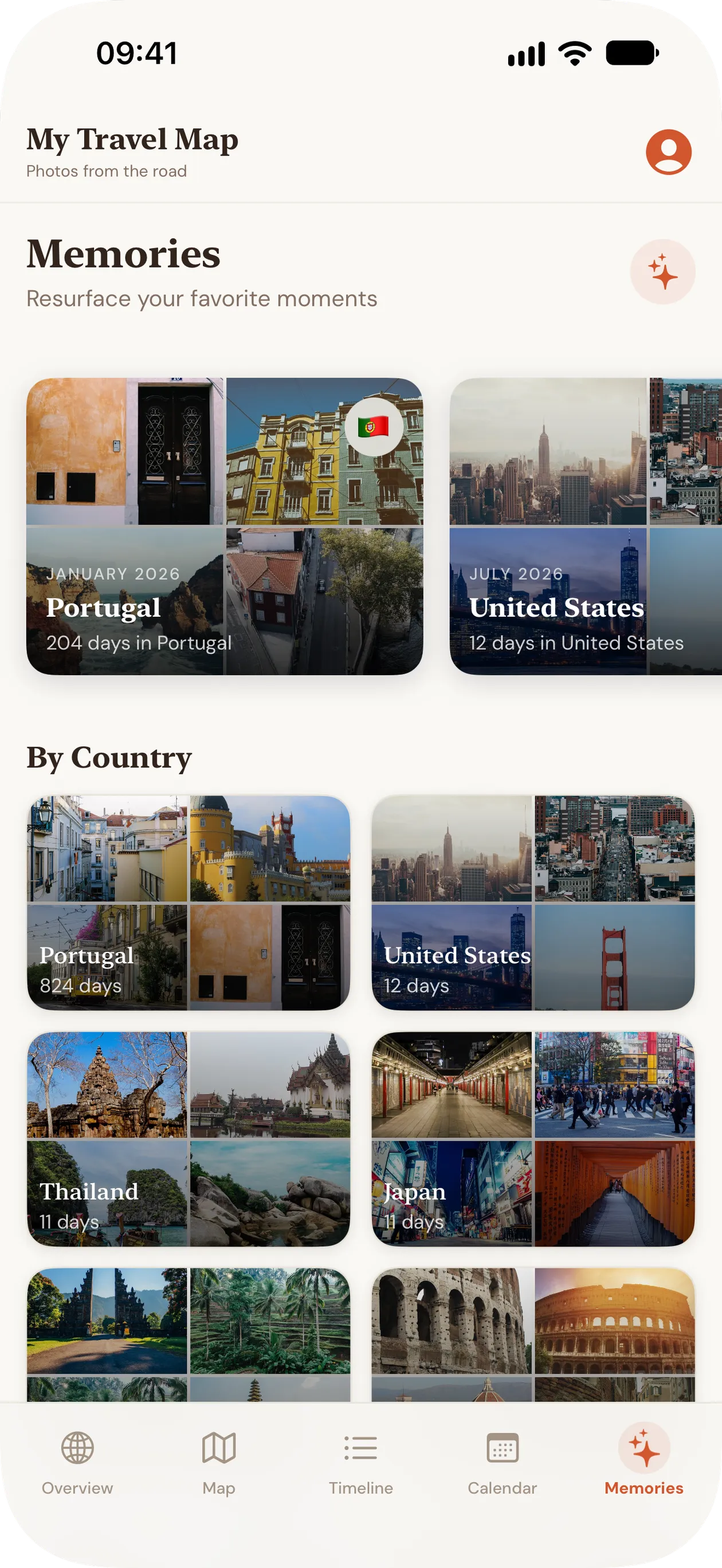
- Memories: your photos gathered by country and year.
Private by design
Photos never leave your device. There's no account, no server and no analytics, and the App Store privacy label reads Data Not Collected. To show city names, the app asks Apple's geocoder to name a place from its coordinates, with no photo or identity attached.
Tips for a more complete map
- Turn on location for the Camera: Settings › Privacy & Security › Location Services › Camera › While Using the App.
- Photos shared through some messaging apps lose their location; your own originals keep it.
- Screenshots have no location, so they never place a day.
Questions
- Does it work with iCloud Photos?
- Yes. The app reads the location and date stored with each photo, which are available even when the full-size image is in iCloud.
- How long does the scan take?
- It depends on the size of your library. Everything runs on the device, with no upload to wait for.
- Is there an Android version?
- No. My Travel Map is for iPhone and iPad, on iOS and iPadOS 26 or later.
Page updated .